
Import a real game
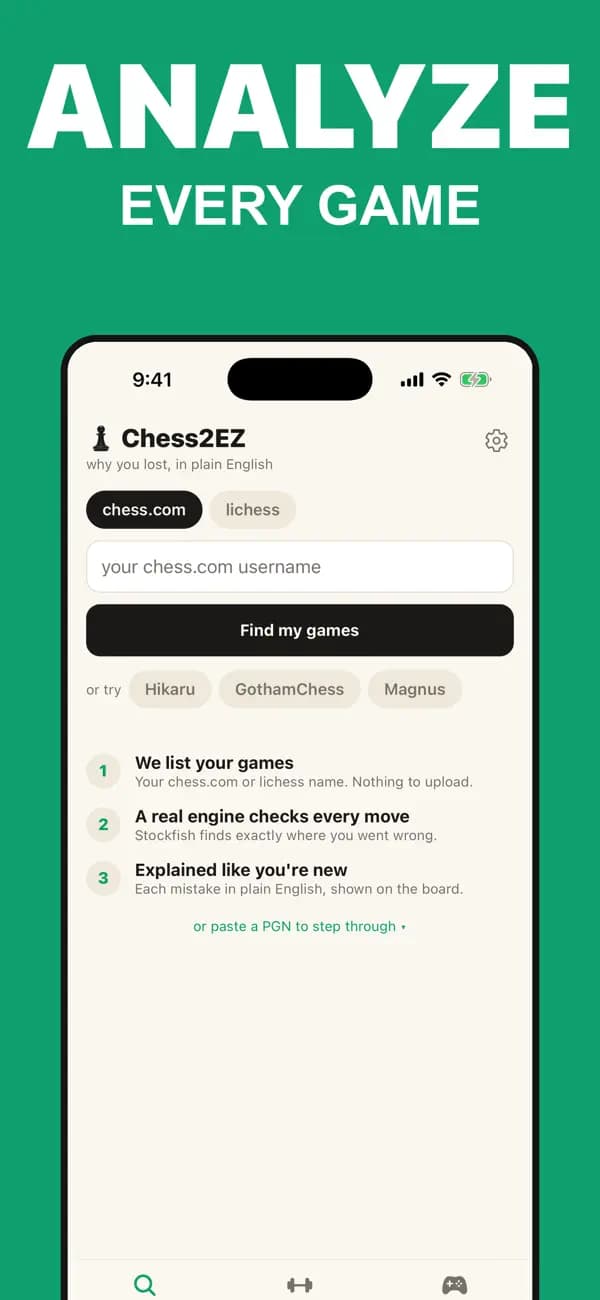
Enter a Chess.com or Lichess username and choose a recent game. No password or manual PGN copying required.

Now on iPhone
Chess2EZ: AI Chess Coach
Analyze your real Chess.com or Lichess games on iPhone. Stockfish finds the moves that cost you; Chess2EZ explains them in plain English and turns them into drills you can actually learn from.
Free game review · no signup required · iOS 16.4+
Your games become your training plan
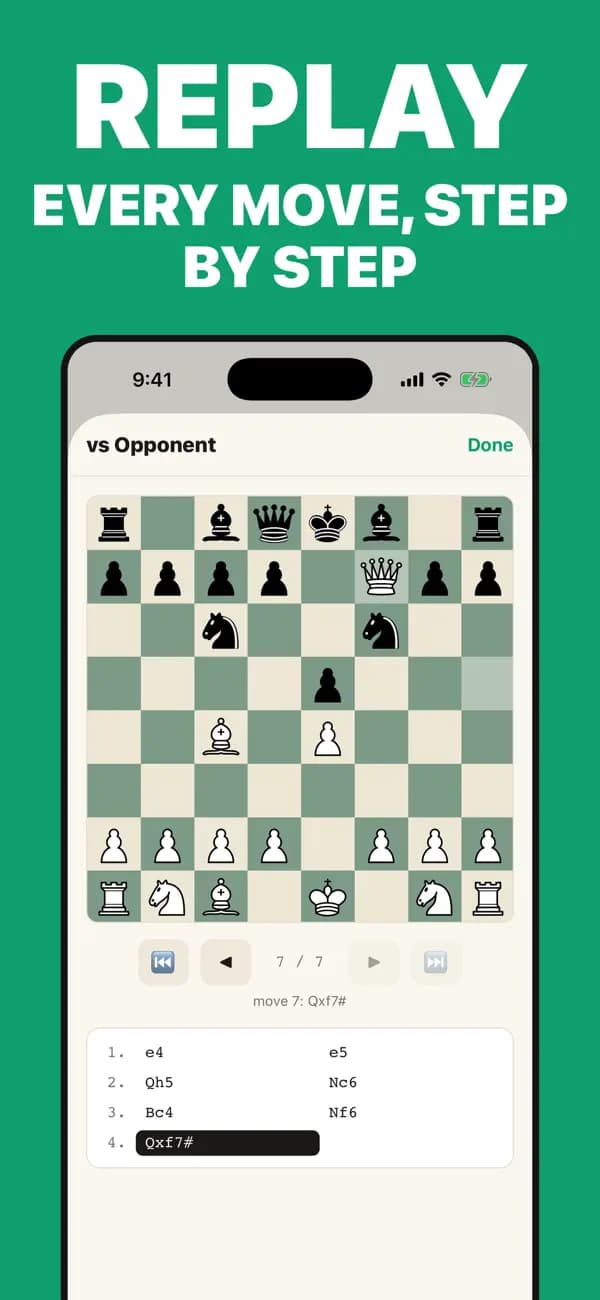
Most analysis stops at a number or an arrow. Chess2EZ carries the lesson through from engine verdict to explanation to practice.
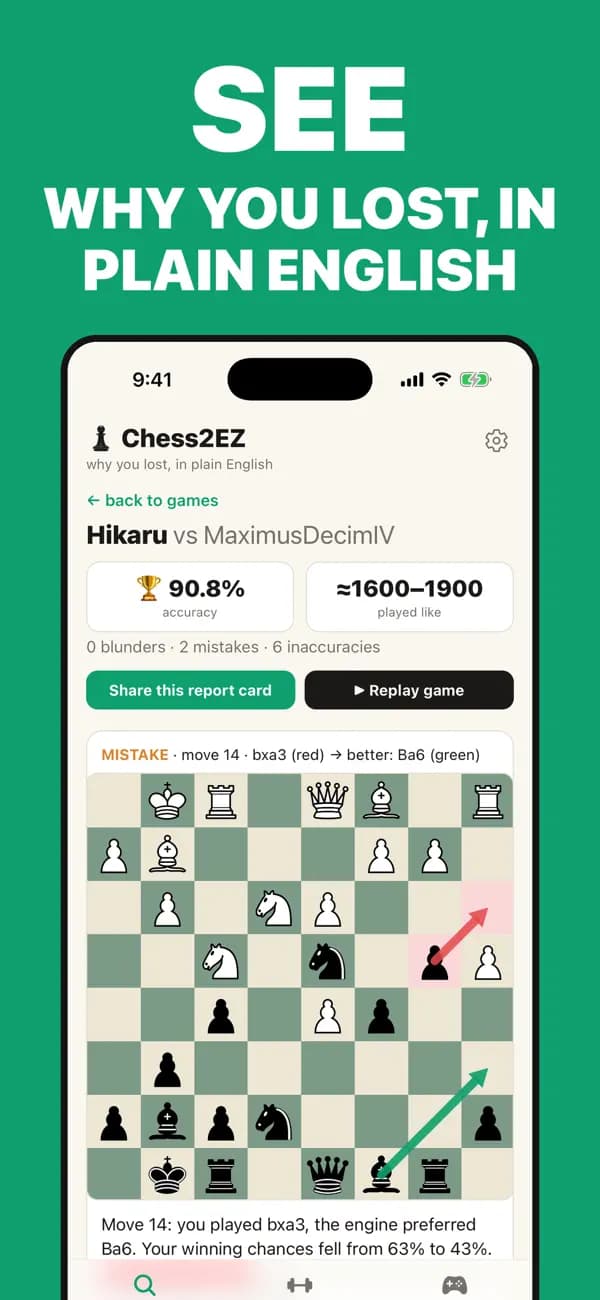
Enter a Chess.com or Lichess username and choose a recent game. No password or manual PGN copying required.
See the move you played, the engine's better move, the change in winning chances, and a clear explanation of why.
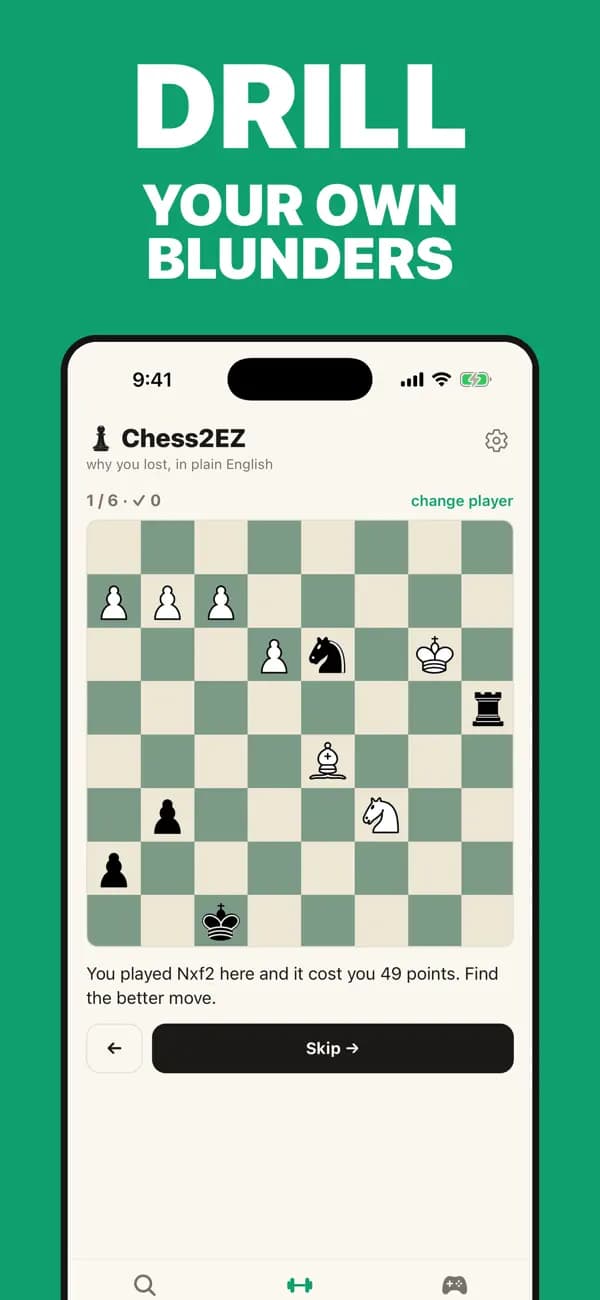
Replay the exact position as a personal puzzle until the better pattern is easier to spot next time.
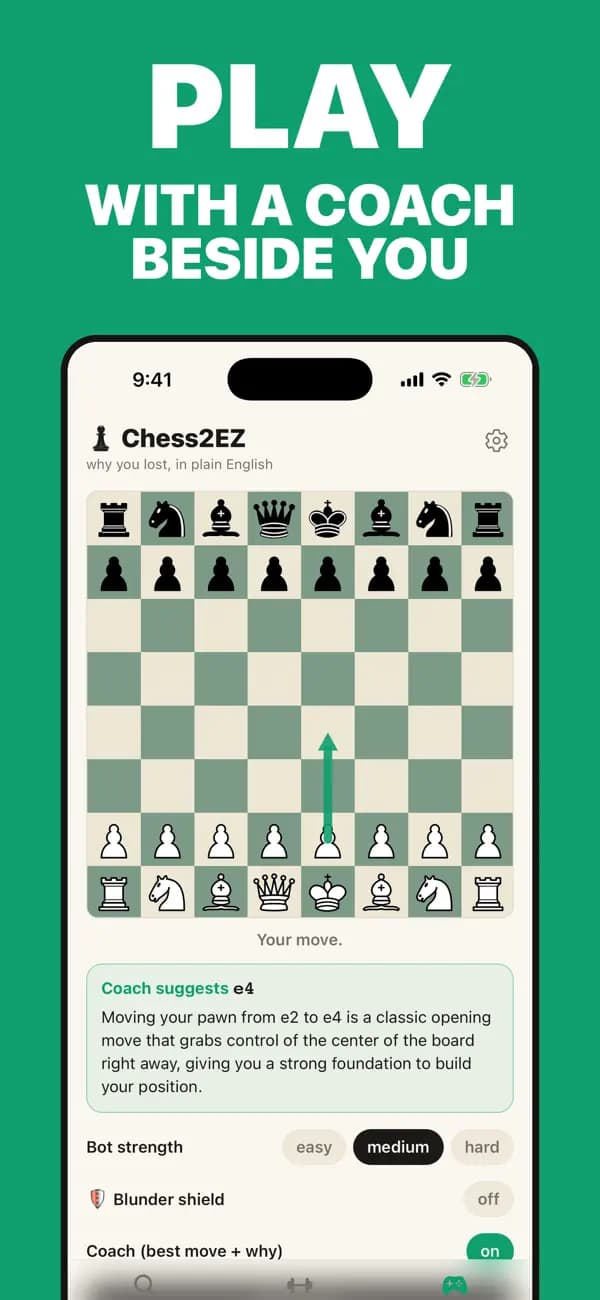
The real iPhone app
Common questions
Straight answers about the engine, your accounts, and what is free.
Yes. You can review a game and read its mistake explanations for free. Chess2EZ Pro is optional and adds deeper history, trends, and training features.
Yes. Enter a public Chess.com or Lichess username to find recent games. You do not need to share your password, and you can also analyze a specific game.
No. A real Stockfish chess engine evaluates the positions and identifies the mistakes. The AI only turns those engine-grounded findings into clear, beginner-friendly words.
Yes. Chess2EZ recreates positions from your own games so you can find the move you missed and practise the patterns that actually cost you points.
No account is needed for a free single-game review. An account lets you keep history and use the same progress across the website and iPhone app.
Chess2EZ requires iOS 16.4 or later and is designed for iPhone.
Download Chess2EZ on iPhone, or start with a free game analysis in your browser.